Change the pose in a photo with AI
Change the pose in your photo with AI: AIPose drafts your look in a preset pose — no prompts. What changes, what stays, and when a pose editor fits better.
Last updated: 2026-11-02
What changing a pose with AI means
To change the pose in a photo, an AI tool has to redraw the person — and there are two honest ways to do it. A pose editor moves the limbs inside your original file and keeps the rest of the picture pixel-for-pixel. A pose studio like AIPose keeps you — the face from your uploaded photo — and drafts a fresh image in the pose you pick, with matching light and background. The result is a new photo of you, not an edited old one.
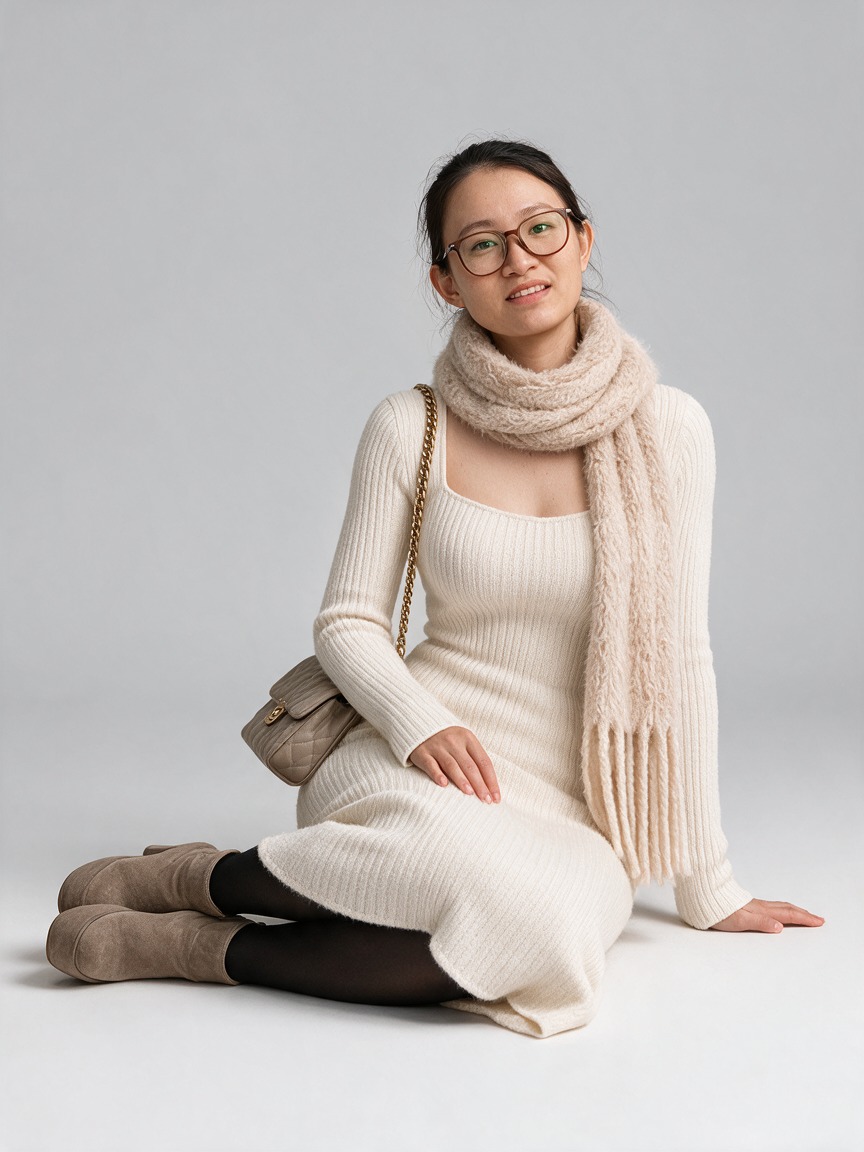
How to change a pose in AIPose
- Upload one clear photo. A solo portrait, face forward, even light. Your photo stays selected while you explore.
- Pick the pose — or take a surprise one. Choose from the preset pose library, or leave it to the studio. No prompt writing at any point.
- Generate, lock, refine. You get a few draft looks — two by default, adjustable before you generate. Lock the pose you like and change the outfit, or refine your favourite into HD and download it.
New accounts start with 12 welcome credits, and every generation shows its credit cost before it runs.
What changes, and what stays
| Element | What AIPose keeps | What it restyles |
|---|---|---|
| Your face | Close likeness from the source photo | Small details can shift — check at full size |
| Pose | The exact preset you chose, or a surprise one | Body position, hands, gaze |
| Outfit | Locked if you lock it | Styled to match the pose if you don’t |
| Background | Your pick from the styling panel | Matched to the new pose by default |
| The original file | Untouched, private to your account | Never — edits produce a new image |
When a pose editor is the better tool
If the photo itself is the point — a product shot where the garment and scene must survive untouched, or a specific moment you want re-posed rather than redrawn — use a pose editor that moves limbs inside the original file. You trade freedom for fidelity: edits stay close to the source, but the pose options are limited to what the body in the frame can plausibly do.
AIPose is the better fit when the person is the point: you want a photo of you sitting, walking or turning toward the camera, in an outfit you choose, without booking a shoot. See how an AI photo studio compares with a traditional photoshoot.
What AIPose is
AIPose is an AI photo studio: one uploaded photo becomes styled draft looks with new poses, outfits and backgrounds, with no prompt writing. You keep the pose or outfit you like, refine a favourite into HD, then download or share it. For choosing a source photo that produces a natural pose, read why AI poses look stiff — and how to fix it, or see how pose and outfit locks work.
Pricing is on the pricing page; photos and deletion are covered by the privacy policy. To change clothes instead of pose, see changing clothes in a photo with AI.
Frequently asked questions
- Is there a free AI pose changer?
- AIPose gives every new account 12 welcome credits, enough to generate a first batch of draft looks without paying. After that, a 60-credit pack costs $4.99 one time, and plans start at $9.90 per month. The credit cost is shown before every generation.
- Will I still look like myself?
- Mostly, but not exactly. AIPose generates a new image from your photo, so small facial details, skin texture and how clothes sit can shift. Pick a clear, well-lit source photo and check the draft at full size before you use it.
- Can I keep my outfit and change only the pose?
- Yes. Lock the outfit and generate again — the locked choice carries into the next batch in the same studio session. You can also lock the pose and change the outfit instead, or pick both yourself.
- Does the background change too?
- Usually yes. AIPose drafts a complete look — pose, outfit and background are styled together, which is why results look like a new photo rather than a cut-out. You can pick the background in the styling panel before generating.
- What photo should I start from?
- One clear, well-lit solo portrait with the face sharp and no heavy filters. Motion blur and hard shadows survive into the result; detail that was never captured cannot be invented back.
- Can I change the pose in someone else’s photo?
- Only if you have their permission. Uploading a photo of a child is not allowed. See the privacy policy for what is stored and how to delete it.